Why Isn't My Delivery Link Generating After an Order Sync?
Last updated: September 17, 2026
Overview
If an order's delivery link isn't generating after a sync, there can be a few different causes. This applies specifically when files have already been uploaded to the order — if no files have been uploaded yet, that's a separate first step covered below. Once files are in place, the most common cause is that they were uploaded outside of a folder named Photos or Videos. Tonomo only syncs files that are placed inside a correctly named folder.
Step 1: Confirm Files Have Been Uploaded
Before troubleshooting anything else, check whether files have actually been uploaded to the order's Dropbox folder. If nothing has been uploaded yet, syncing won't generate a delivery link simply because there's nothing to sync.
If no files have been uploaded, upload them first, then resync the order.
Step 2: Check the Folder Name
If files have been uploaded but the delivery link still isn't generating, the most common cause is an incorrectly named folder. For files to sync, they need to live inside a folder specifically named Photos or Videos. If your files were uploaded to the root of the Dropbox folder, or into a folder with a different name, Tonomo won't pick them up, even if the order otherwise looks complete.
How to Fix It
If no folder named Photos or Videos exists yet, create one in the order's Dropbox folder.
Move the files into that folder.
Resync the order.
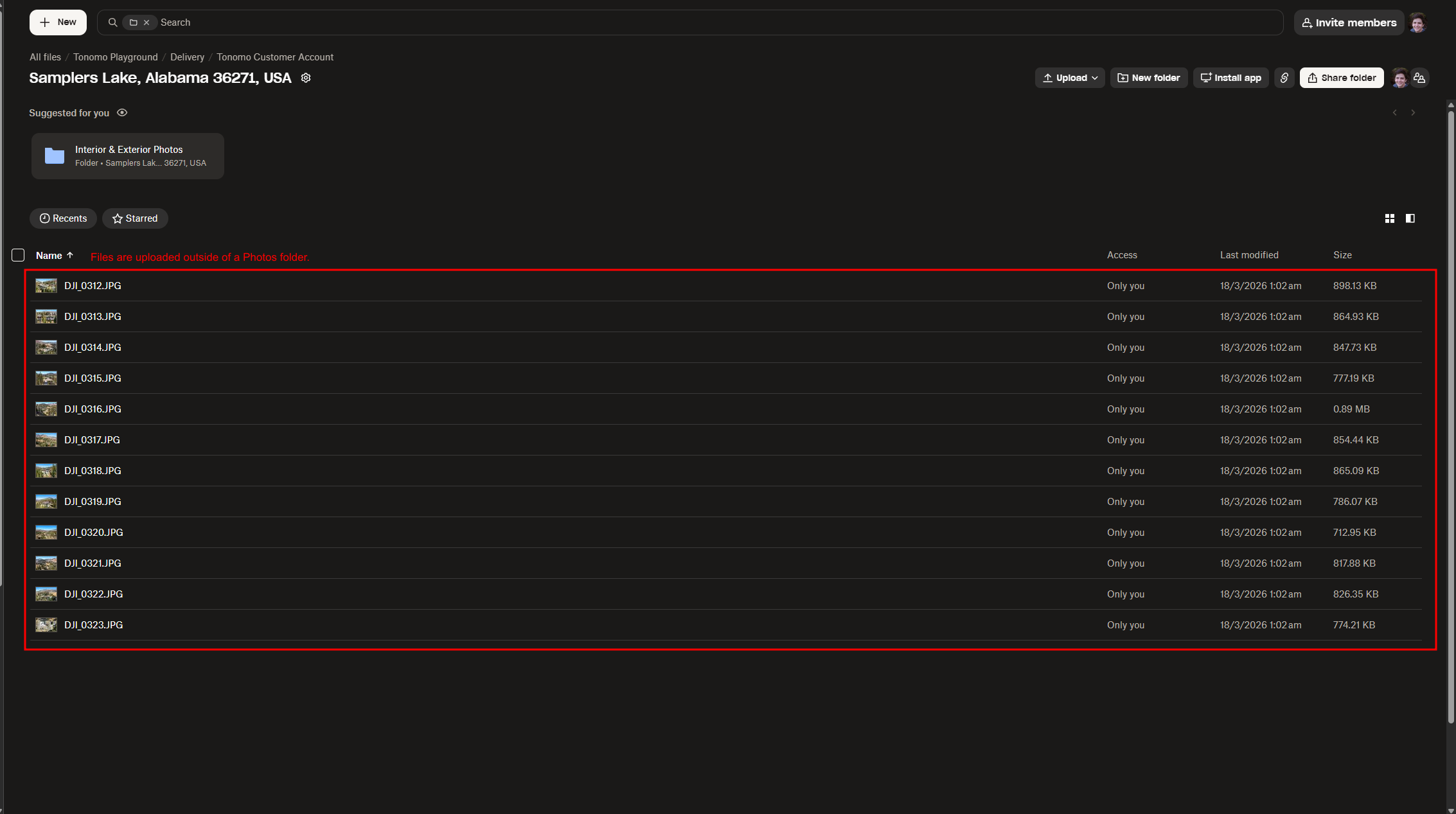
The folder name has to match exactly (Photos or Videos) for the sync to recognize it.
If you've confirmed the folder name is correct and the delivery link still isn't generating, reach out to Tonomo Support and we'll be happy to help.