How Do Photographers See Their Own Schedule?
Last updated: October 1, 2026
Photographers see their own upcoming shoots in Photographer Schedule, a personal agenda that lists only their appointments, day by day, with each shoot's title, services, and time. It works on a phone, so photographers can check their day in the field, and it includes a search to find any of their own appointments. Admin, Staff, and Contractor users all have it in their left menu.
At a glance
Open Photographer Schedule from the left menu.
Shows only your own appointments, grouped by date.
Each appointment shows its title, services and time.
Search your appointments, for example by address.
Available to Admin, Staff and Contractor users, including contractors with limited access.
For the whole team's calendar, admins and staff use the Scheduler.
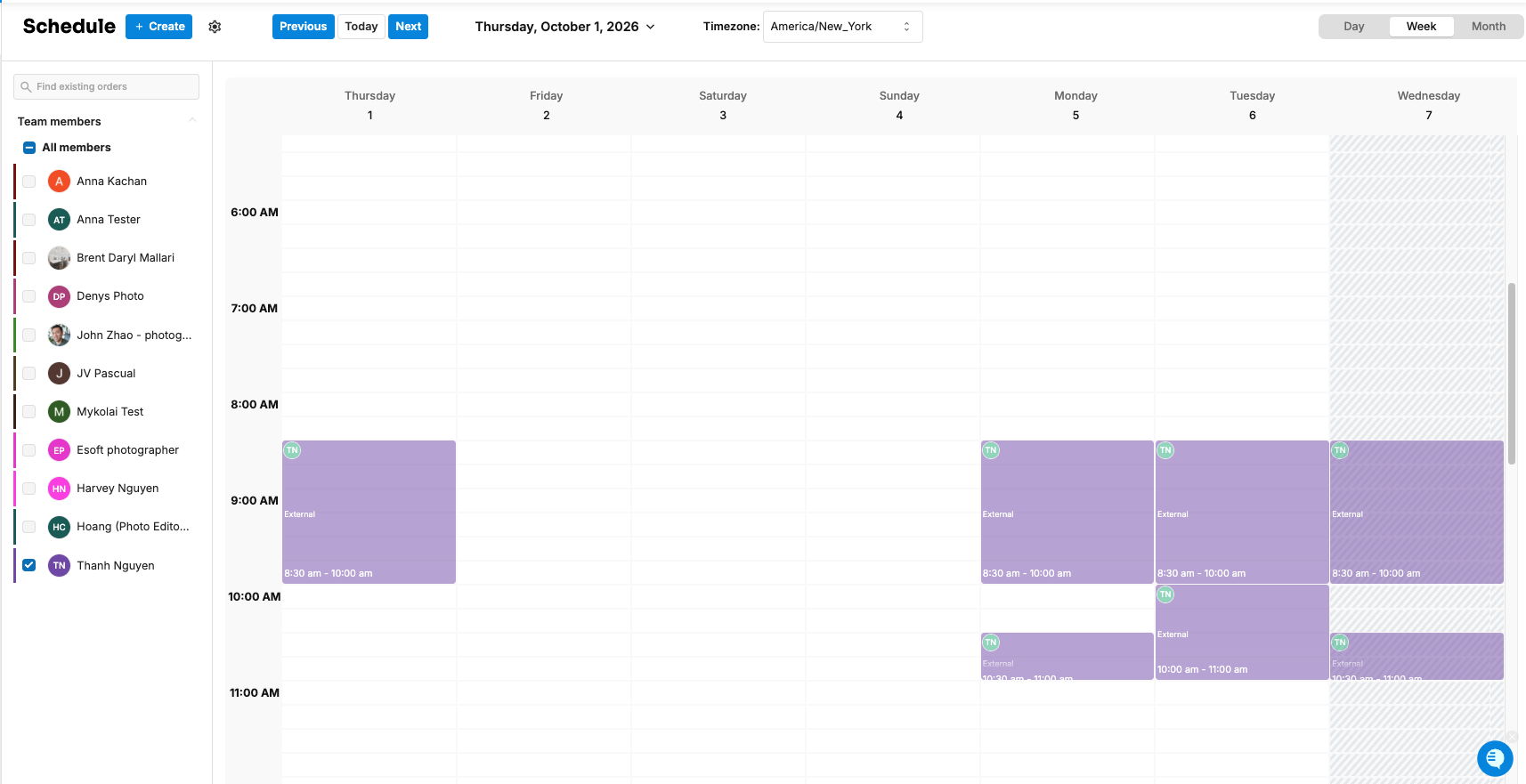
What does Photographer Schedule show?
Your appointments, grouped under each date. For each one:
the appointment title, usually the property address
the services to shoot
the time
If there's nothing to show, you'll see "No orders found."
How do I find a specific appointment?
Use the search on Photographer Schedule to find one of your own appointments, for example by street name.
How is it different from the Scheduler?
Photographer Schedule | Scheduler | |
|---|---|---|
Shows | Only your own appointments | Every photographer's calendar |
Who uses it | Admin, Staff and Contractor | Admin and Staff |
Best for | Checking your day, on the go | Planning, moving and assigning shoots |
Can create or move shoots | No | Yes |
See How Do I Use the Scheduler?
Frequently asked questions
Can photographers see other photographers' shoots here? No. Photographer Schedule only shows the signed-in person's own appointments.
Why isn't a shoot showing? The shoot may be assigned to someone else, or the calendar event may have been deleted. Ask an admin to check the order in the Scheduler.
Do photographers also get calendar invites? Yes. Shoots are added to the photographer's connected Google Calendar. See How Do I Sync My Calendar with Tonomo?
Related articles